




 Slots
 Live Casino
 Android (browser)
 iOS (browser)
 Email
Two buttons in the corner of a page – Register and login – are all that separates a visitor from an account. Simple on the surface. Yet most of the trouble people later have with payments or locked profiles goes back to how they handled those two buttons on day one. Play971 is operated by Coin Technology Projects LLC and, in the operator’s words, is the UAE’s first licensed sportsbook and gaming platform, regulated by the General Commercial Gaming Regulatory Authority (GCGRA). On a platform like that, the account is checked properly.
This guide is intentionally practical. It goes in the order you will actually go through. Create the account, sign in, get back in if you lose access, get through verification, use the whole thing from a phone. The steps are those published by the operator. Where its general information does not give any detail, the text states that, rather than inventing a field or a rule. Two things to keep in mind from the beginning. Registration is for those 21 and older, and an account opens the door to entertainment, not income. Follow the steps below and get your account set up correctly the first time.
How to Create an Account

Registration is done on the operator’s own site and nowhere else. No agent, messenger bot or “helper” is part of the process, and anyone offering to register you is best ignored. The operator describes the procedure in four steps:
- Open your preferred browser and go to the official site;
- Find the “Register” button in the top-right corner of the homepage and click it;
- Enter the required information in the registration fields;
- Follow any additional steps on the screen to finish the process.
The operator’s general information does not list the fields one by one, so this guide will not pretend to. Local press reports that residents are asked for an Emirates ID, a phone number and an address; treat the form in front of you as the authority. What the operator does stress is accuracy – make sure all your details are correct to avoid issues later. That is not a formality. The same details are compared with your documents at verification and with the name on your payment methods, and a mismatch slows everything down.
A few ground rules sit behind the form. The minimum age is 21. The account is personal, one per player, and the service is built for people in the UAE. Honestly, the quickest registration is the careful one: legal name exactly as on your documents, the real date of birth, an email you check every day, and a password you have not used anywhere else. Write nothing down on a sticky note beside the laptop, either. Create your account with accurate details and keep the credentials to yourself.
How to Log In
Signing in uses the same corner of the page as registration. An account is identified by an email and a username and protected by a password, with two-factor authentication available as an option. The routine is short:
- Open the official site in your browser;
- Click the login button in the top-right corner;
- Enter your email or username and your password;
- Enter the one-time code if two-factor authentication is enabled;
- Make sure your profile appears in the header.
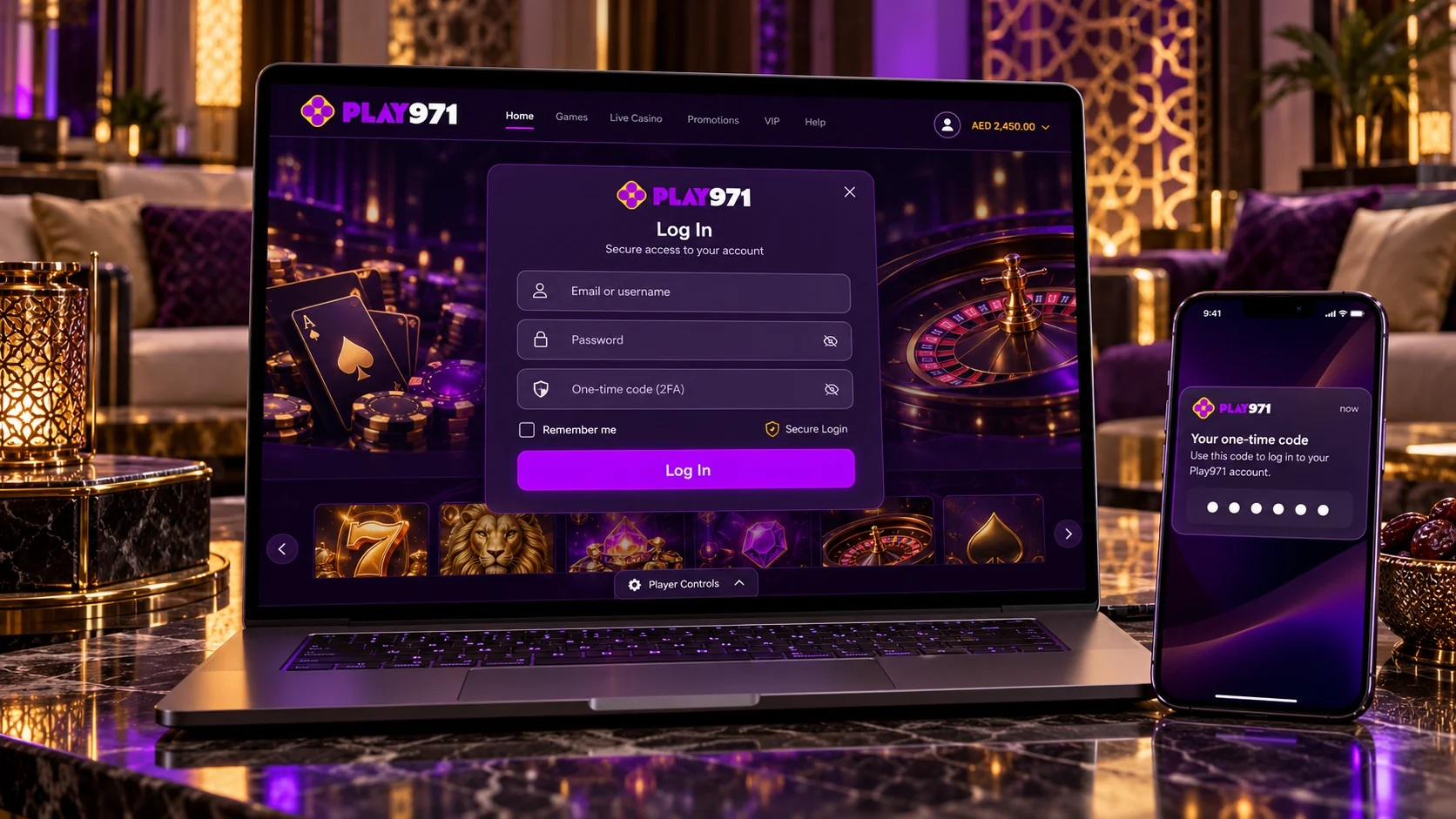
After a successful sign-in the profile icon replaces the two buttons. It opens the wallet and the Withdraw option, and the Player Controls button for limits is found at the bottom of the page. A single login covers the sportsbook, racing, the casino and live tables alike, so there is nothing further to unlock. Before typing a password, though, glance at the address bar. The genuine site is in the UAE’s national domain zone, and a lookalike page exists for one purpose only. If your details are refused twice, stop and move on to recovery. Sign in from the official page and check that your profile loads.
Password Recovery
The operator’s general information does not describe a self-service reset step by step, so this section sticks to what is confirmed: the support team handles access problems. Live chat is open 24/7 and email is the second channel. If the sign-in window on your screen shows a “forgot password” link, use it and follow the message sent to your registered email; if there is no such link, or nothing arrives, go straight to the chat. I mean, there is no point waiting on an email that is not coming.
Be ready to prove the account is yours – an agent may ask for details from your profile, which is exactly what you would want them to ask a stranger. Have the registered email and username to hand. Never send a password, old or new, and never accept recovery “help” from accounts on social media. One more warning: do not open a second account while the first is locked. Duplicates collide at verification and can hold up withdrawals. Contact live chat to restore access through the official channel.
Verification and Account Security
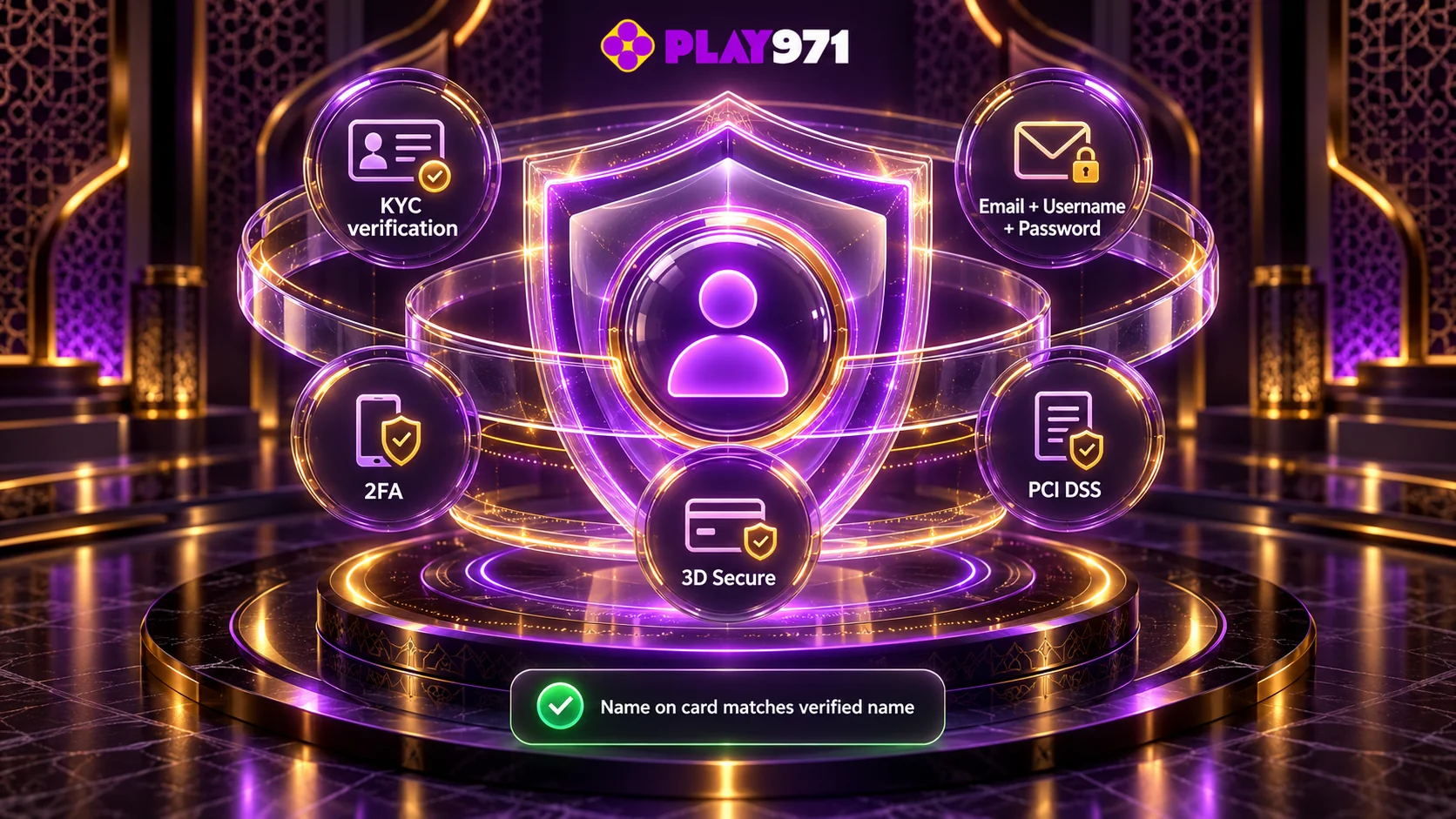
Verification, or KYC, is required. It confirms your identity and that you meet the age rule, and it ties the account to one real person. The operator’s general information does not list the documents, so follow the request shown in your account or given by support. For readers who notice such things: the registration requirement is 21 or older, and that is the figure this guide uses. No legal conclusions are drawn here beyond what the operator itself states about being licensed by the GCGRA.
On the technical side the operator names several layers. Access rests on the email, username and password combination, with optional two-factor authentication. Card payments pass through 3D Secure, and payment processing is PCI DSS-compliant. Deposit and withdrawal methods must be under your own name and match the details used for verification – a rule that protects the account as much as it restricts it, since nobody else’s card can be attached to your profile. It seems strict until the day it stops a stranger.
Your own habits finish the job. Turn on two-factor authentication as soon as you first sign in. Use a unique password and change it if you ever suspect it has leaked. Log out on shared devices, avoid public Wi-Fi for sign-ins, and never share a one-time code with anyone, including someone who says they are from support. If you spot activity you do not recognise, change the password and report it in live chat at once. Complete verification and switch on 2FA before your first deposit.
Mobile Login and Support
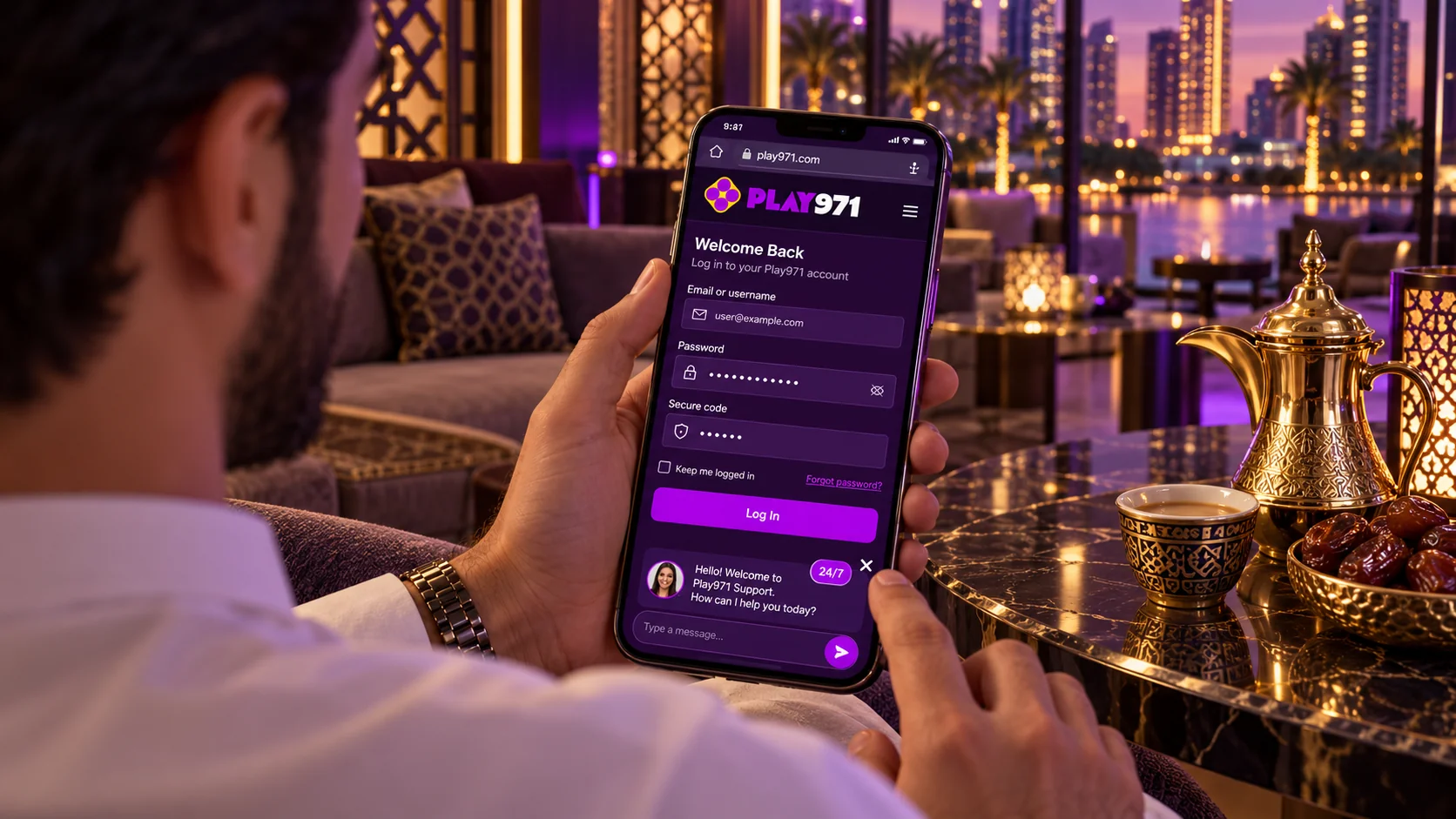
There is no mobile application – the operator says so directly and adds that the platform is available exclusively through its site on desktop and mobile devices. Logging in on a phone therefore means opening the site in Safari or Chrome and following the same steps as above, with the same credentials. The page adapts to the screen. A home screen shortcut, added from the browser menu, gives one-tap entry without installing anything. Apps or APK files offered elsewhere under this name are not official. When access fails, on a phone or a computer, the cause is usually ordinary, and the table pairs the common cases with a first response.
| Problem | First thing to do |
| Password or username rejected | Type both manually; check the keyboard language and Caps Lock |
| Two-factor code not accepted | Set the phone’s time to automatic, then request a new code |
| Page does not open on mobile | Check the connection and confirm you are on the genuine address |
| Signed in, but cannot play or deposit | Check for an active Time-Out or Self-Exclusion |
| Registration cannot be completed | Re-check the details entered, then contact support |
| Forgotten credentials | Contact live chat and confirm your identity |
Support is reachable in two ways: live chat around the clock and email for longer cases. Give your username, registered email and a clear description of what you see, you know, the exact message on the screen helps most. While you are in the account, set a deposit limit in Player Controls; the same menu offers a Time-Out from 72 hours to 42 days and Self-Exclusion from 6 months, and the partner service Takalam offers confidential counselling. Gaming should stay a pastime with a budget. Sign in on your phone and contact support whenever access is in doubt.