



 Slots
 Live Casino
 Android (browser)
 iOS (browser)
 Email
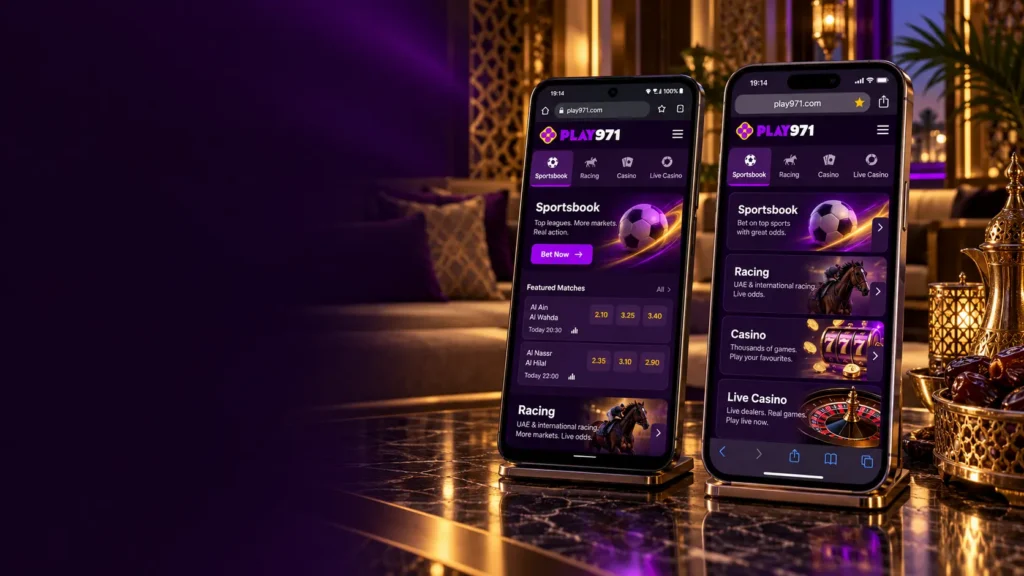
Half the questions support teams hear begin with “where do I download”. For Play971 the reply is short and comes from the operator itself: nowhere, because a mobile application does not currently exist. The brand – described by its operator, Coin Technology Projects LLC, as the UAE’s first licensed sportsbook and gaming platform, regulated by the General Commercial Gaming Regulatory Authority (GCGRA) – is used on phones through the web browser. Not a workaround. The intended way, and for now the only one.
That one fact reshapes the usual “app guide”. There is no file size to report and no version history to list, so this page covers what actually exists: the mobile site, how it behaves on the two main phone systems, the optional shortcut that makes it feel app-like, and the sign-in snags people run into. Two constants apply throughout. Only adults aged 21 or older may register, and a phone changes nothing about the odds – the games stay games of chance. Open the mobile site and see how it runs on your device.
Official Mobile Access
The operator’s statement is unambiguous: no mobile application at present, and the platform available exclusively through its site, on desktop and mobile devices. So “official mobile access” means one thing – the site in a phone browser. No native app, no APK, and no installable web app described by the operator. Sign in there and the mobile site gives you:
- The Sportsbook and the separate Racing section;
- Casino, including demo play on virtual credits;
- Live Casino with dealer-led tables;
- The wallet in AED, with deposits and the Withdraw button;
- Player Controls for limits and breaks.
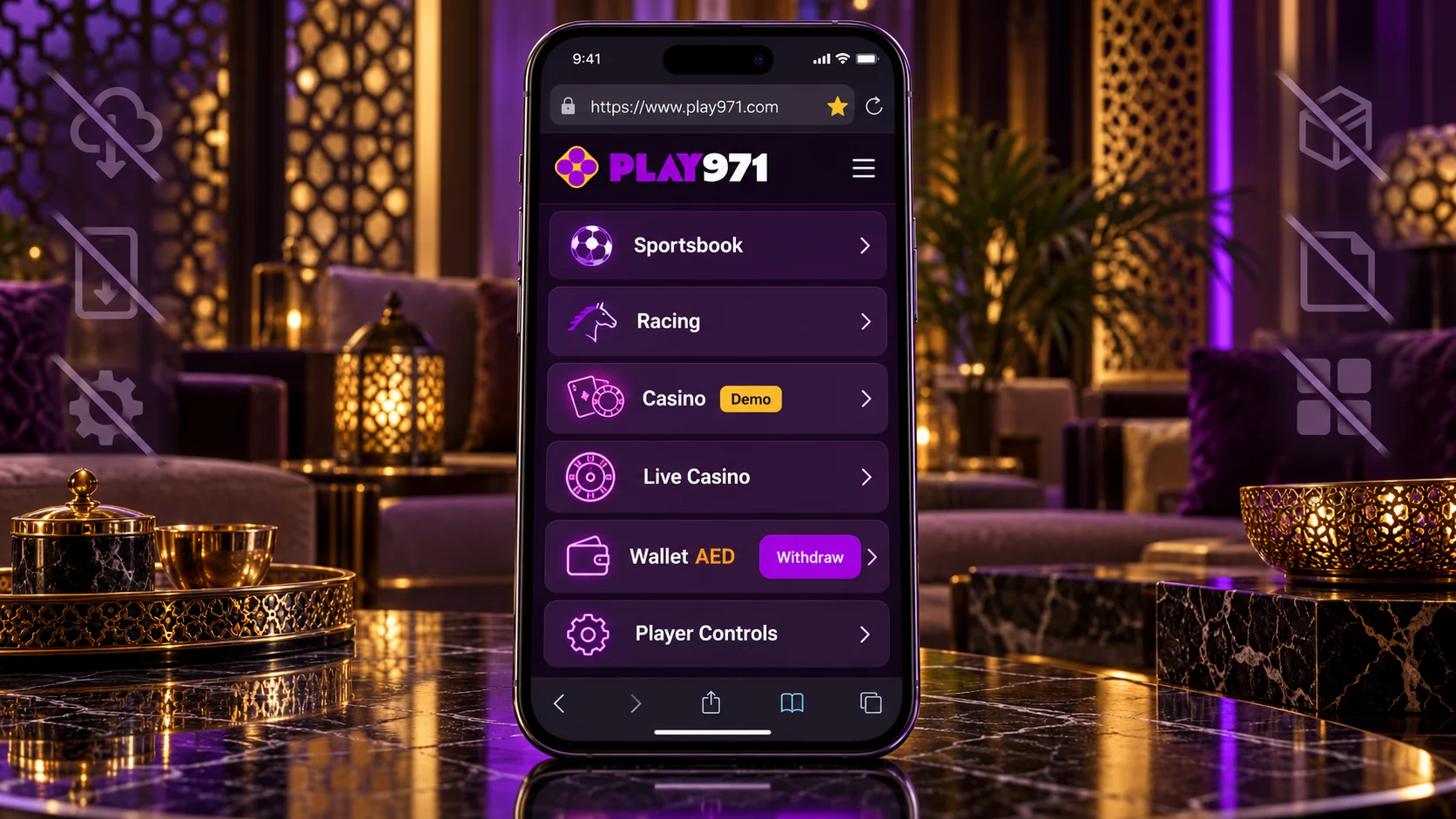
In other words, everything. The phone version is the same service on a narrower screen, not a sampler. The practical risk lies elsewhere, in the copies that fill the gap where an app would be: store listings using the name, download pages, links passed around in chats. The rule that defeats all of them is simple. Reach the site only by an address you typed and checked yourself, in the UAE’s own domain zone, and then saved. Honestly, a bookmark is the most underrated security tool there is. Save the official address in your phone’s browser today.
Android Access
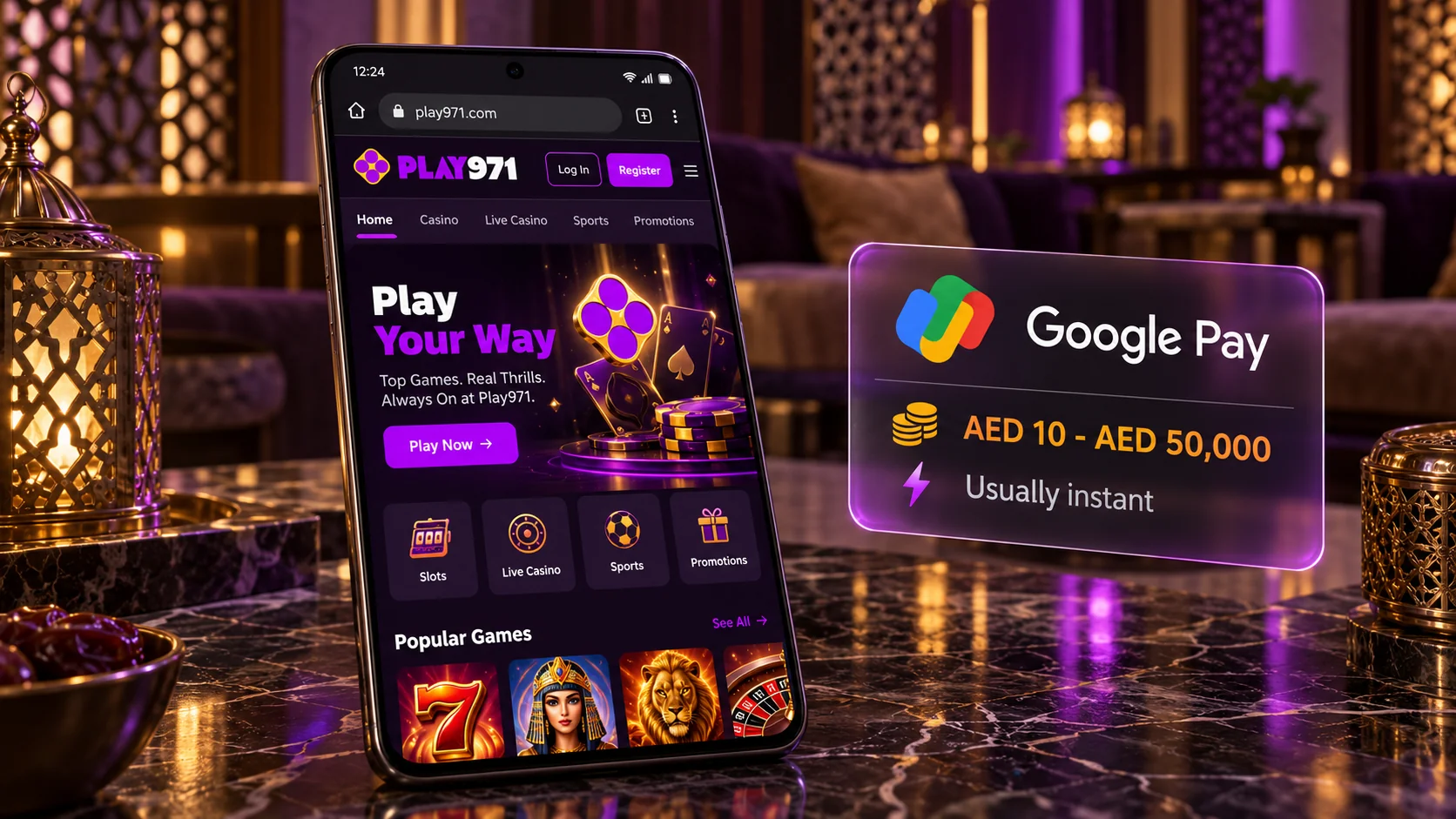
Android users have the least to do. Chrome is already on the phone, and it is all you need: enter the address, wait a second for the layout to settle, and tap the login button or Register in the top-right corner. Other browsers behave the same, so use whichever one you already trust with your bookmarks. At no point should the phone ask you to permit installs from unknown sources or to download a package; those prompts belong to imitations, and the correct response is to close the page straight away.
The site does not publish system requirements, so the sensible guide is the browser rather than the Android version – if Chrome is current, you are fine. Deposits are convenient with Google Pay, accepted from AED 10 to AED 50,000 and usually instant. Sports lists and slots are light on data. Live dealer video is heavier, kind of like any stream, and prefers Wi-Fi. A cracked old handset will still place a bet without complaint. Open the site in your Android browser and check that it loads properly.
iPhone and iOS Access
On iOS the browser is Safari and the story barely changes. There is nothing to fetch from the App Store, since the operator has no application to publish there. Enter the address, sign in from the top corner, and the page arranges itself for the iPhone’s screen. Rotating the phone widens the view, which helps with long odds lists and live tables. Nothing about the account differs from what you see on a computer. The table sums up how the two systems compare for this particular site.
| Aspect | Android | iPhone |
| Typical browser | Chrome | Safari |
| Store app | None | None |
| Phone wallet for deposits | Google Pay, AED 10 – AED 50,000 | Apple Pay, AED 10 – AED 50,000 |
| Shortcut option | Menu, “Add to Home screen” | Share, “Add to Home Screen” |
| Updates | Not needed; the site updates itself | Not needed; the site updates itself |
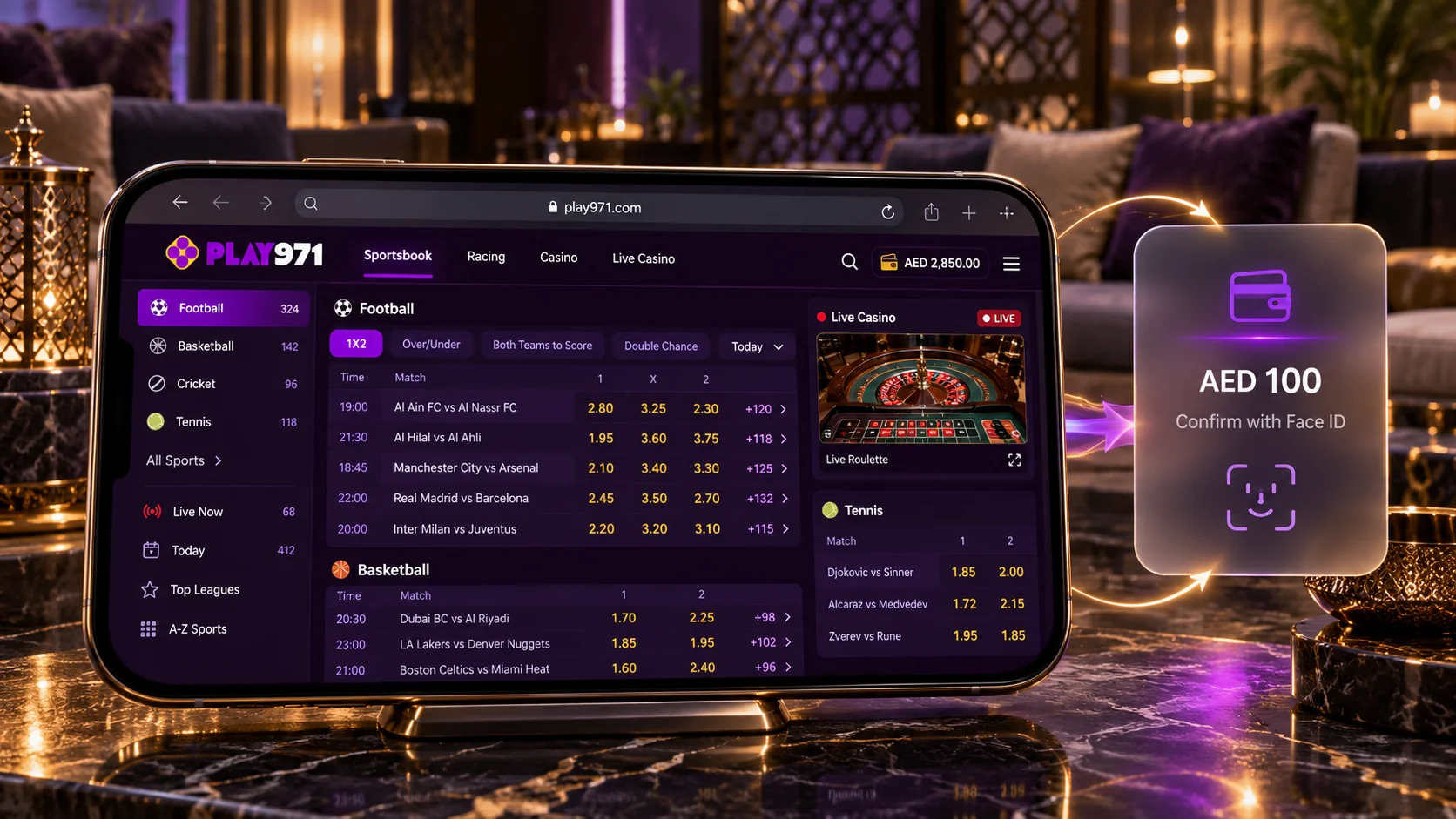
Apple Pay is the obvious way to deposit on an iPhone, confirmed the way you confirm any purchase, with Face ID or the side button. Two small habits help on iOS. Avoid private browsing for regular use, because it drops your session each time. And if a payment sheet or a button fails to appear, check whether a content blocker is interfering. An iPad, by the way, runs the same pages with more elbow room, which suits anyone who finds a phone screen cramped. Open the site in Safari and sign in to your account.
Installation or Home Screen Shortcut
Strictly speaking there is nothing to install, and it is worth saying so plainly because the word gets misused. The operator does not describe an installable version of its site. What every modern phone browser offers is a home screen shortcut: a small icon holding the site’s address. Tap it and the browser opens the page. That is the whole mechanism, and it is the same one you would use for a news site or a banking page. No software is added, and deleting the icon removes nothing from your account.
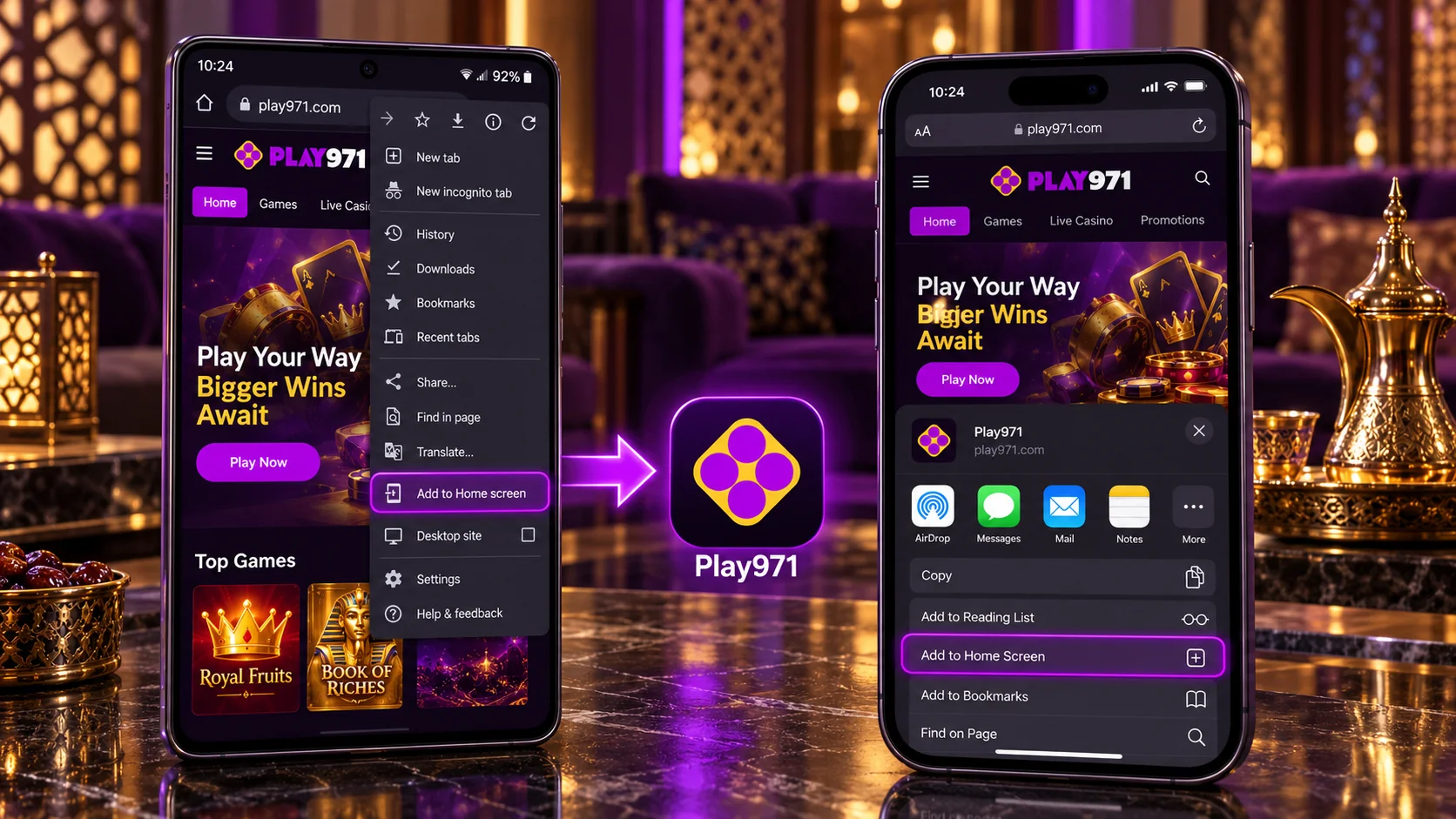
Creating one takes a few taps. In Chrome on Android, open the site, tap the three-dot menu at the top right and choose “Add to Home screen”, then confirm. In Safari on an iPhone, open the site, tap the Share icon at the bottom, pick “Add to Home Screen” and tap “Add”. The exact wording can differ slightly from one browser version to the next. Do this from the genuine address only – a shortcut made from a fake page is a one-tap route to that fake page, which is the last thing you want.
Why bother? Speed, mostly, and a little safety. An icon spares you from typing the address or trusting a search result every time, so you land on the right page by habit. And since it is only a link, the site behind it is always the current one; there are no updates to accept and no old version to get stuck on. If something ever looks out of date, pull down to refresh, or close the tab and open it again. Actually, that covers “updating” in full. Add the shortcut and reach the site in a single tap.
Mobile Login and Troubleshooting
Logging in on a phone is the same routine as on a computer, just with your thumbs. There is no separate mobile account and no special mobile password; the details you registered with work everywhere. If you use two-factor authentication, keep the device that receives the code nearby, since the step cannot be skipped once it is switched on. And if you are new, register first through the button beside the login one – the form is the same on mobile. The sequence itself is brief:
- Open the site from your bookmark or shortcut;
- Tap the login button in the top-right corner;
- Enter your email or username and your password;
- Type the two-factor code if you have enabled it;
- Check that your profile icon and balance appear.
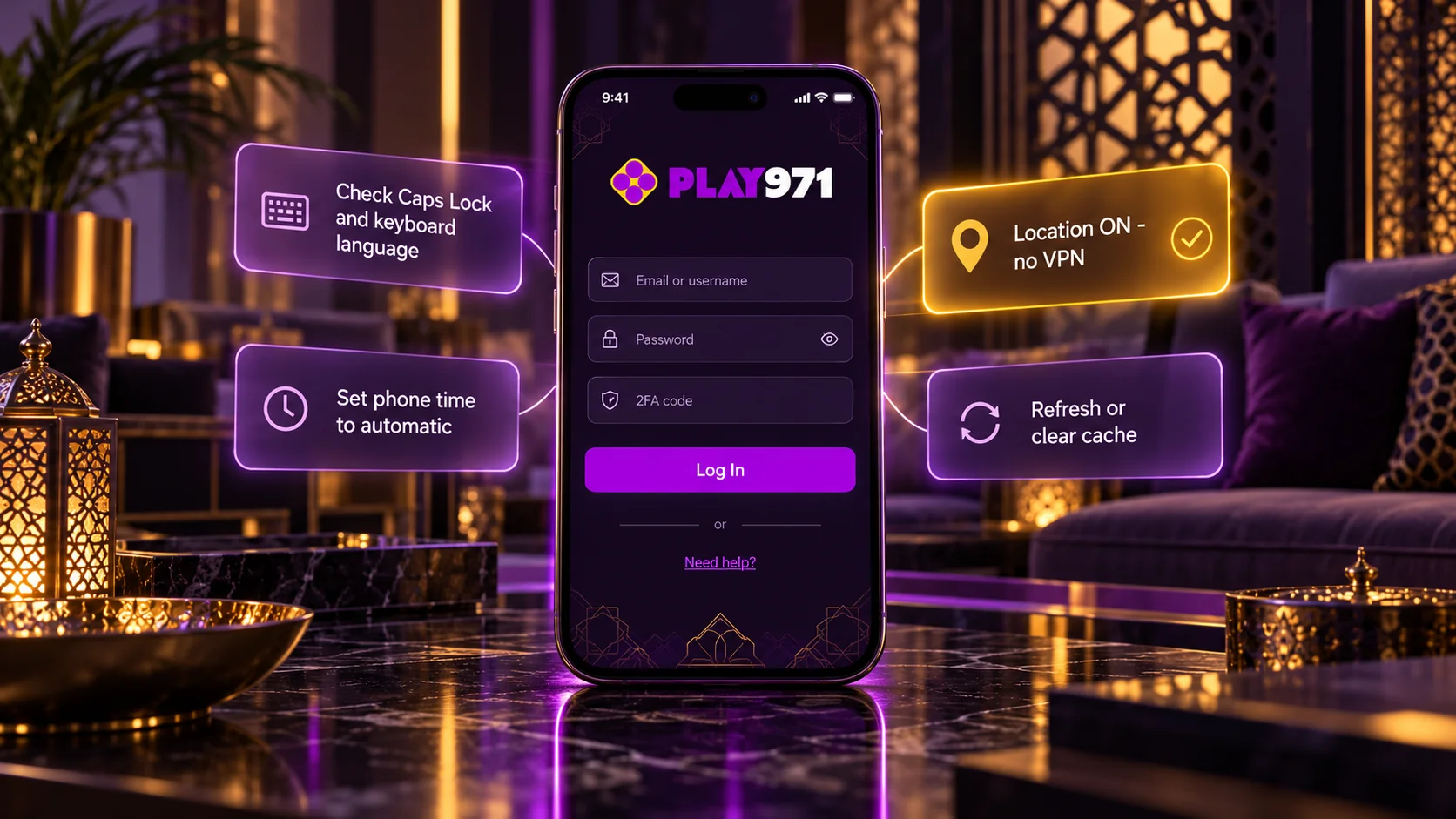
When it does not go smoothly, start with the simple causes. Autofill may have inserted an outdated password, or the keyboard may have capitalised the first letter of your username – type both fields manually. If the page itself will not load, test your connection, and note that local press reports the service is available only inside the UAE, with location access switched on and no VPN. A page that loads oddly usually improves after a refresh or after clearing the browser’s cached data. A rejected two-factor code often traces back to a phone clock that is not set automatically.
Other blocks are deliberate. An active Time-Out or Self-Exclusion lets you sign in and withdraw but not play or deposit, until the period is over. Payments can fail when the card or wallet is not in your own name, which the rules require. For everything else there is live chat, open 24/7, and email for longer cases; you will never be asked for your password. Since a phone keeps the platform within reach all day, I mean literally in your hand, set a deposit limit in Player Controls early on. Sign in on your phone and set your limits before you start.